CharoStudio---troubleshooting
CharoStudio---troubleshooting
Charo🛠️ Troubleshooting & Ticket Submission Guide
If you experience any issues with network connectivity or speeds, feel free to submit a support ticket at any time.
The purpose of submitting a ticket is not only to resolve individual incidents, but also to help us continuously optimize node routes and enhance overall user experience based on network conditions across different regions and ISPs.
To help us pinpoint and resolve issues quickly and accurately, please provide detailed information when submitting a ticket.
📋 Effective Ticket Submission Template
When submitting a ticket, please describe your issue according to the following details:
- Client App & Protocol
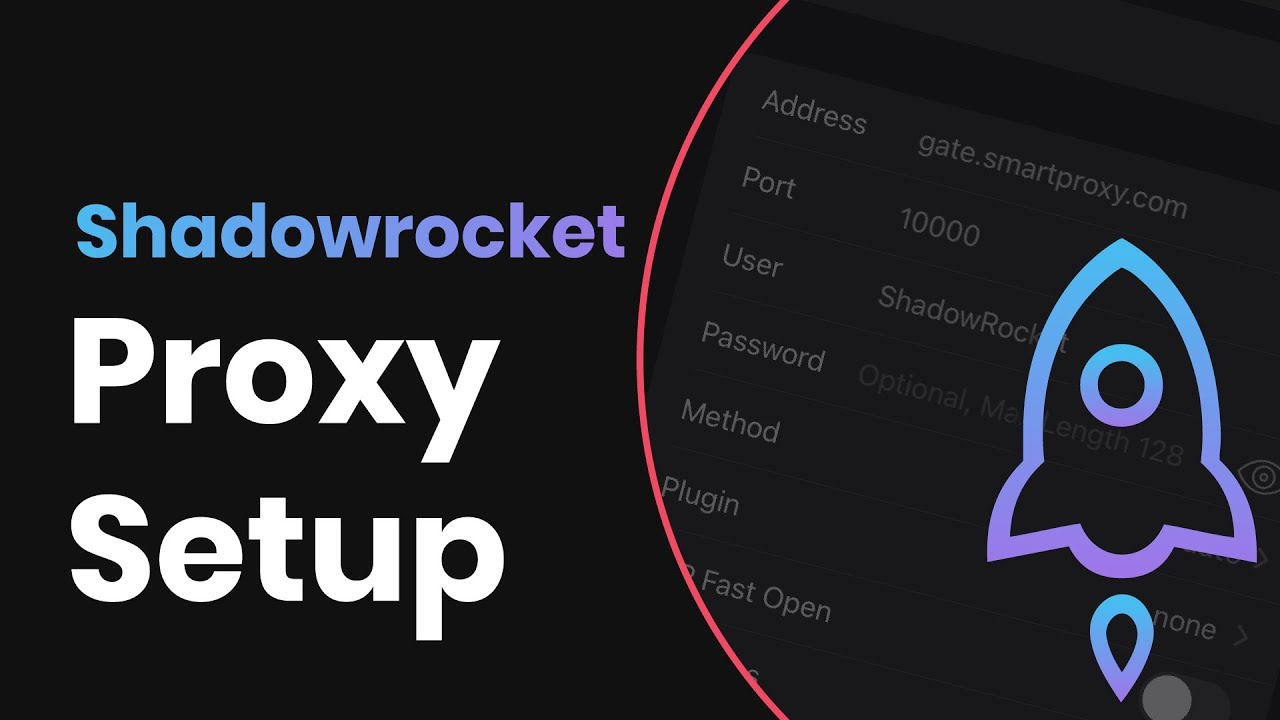
- The client software and connection protocol being used (e.g.,
Shadowrocket / SS,Clash Verge / Vless, etc.).
- The client software and connection protocol being used (e.g.,
- Testing Device & Network Environment
- The hardware device, OS version, and connection type used for testing (e.g.,
Windows 11 / EthernetoriPhone 15 / 5G Wi-Fi).
- The hardware device, OS version, and connection type used for testing (e.g.,
- Local Network Details
- Your geographic location, broadband ISP, and bandwidth speed (e.g.,
Guangzhou, Guangdong / China Telecom / 1Gbps Down).
- Your geographic location, broadband ISP, and bandwidth speed (e.g.,
- Specific Fault Symptoms
- Which specific node are you using?
- Which applications or websites are affected?
- What is the exact issue (e.g., completely unable to load, high latency, buffering, or video playback failure)?
- Basic Troubleshooting Verification
- If all nodes suddenly become unreachable, please try updating your subscription first before re-testing.
- If the issue persists, check the server status at Charostudio Server Monitor.
- Regardless of whether server issues are shown, you can proceed to submit a ticket using the template above.
🚫 Examples of Ineffective Tickets
❌ Ineffective Feedback: “Down”, “Laggy”, “Too slow”, “Not working”.
Vague feedback lacking contextual information does not help technical staff diagnose issues, nor will it lead to a resolution for your problem.
💡 Efficient Communication for Better Optimization
Thank you for your cooperation! Providing accurate and detailed information significantly reduces troubleshooting time, allowing us to build a more stable and seamless network environment together.